See Arterial Health Assessment in Action
Perform an Arterial Health Assessment
Use the same software operators rely on to perform arterial health assessments, made available online as an interactive demo.
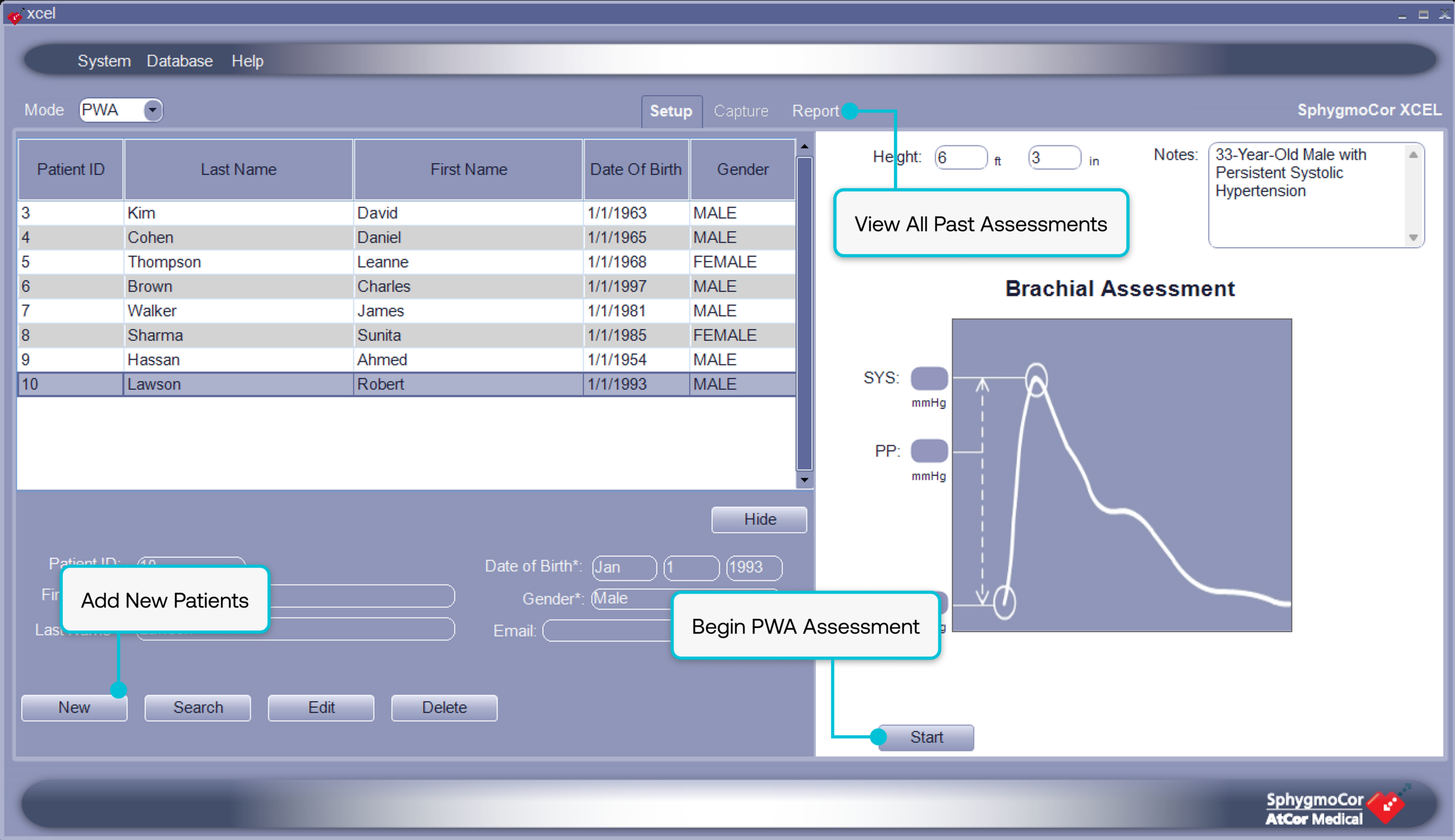
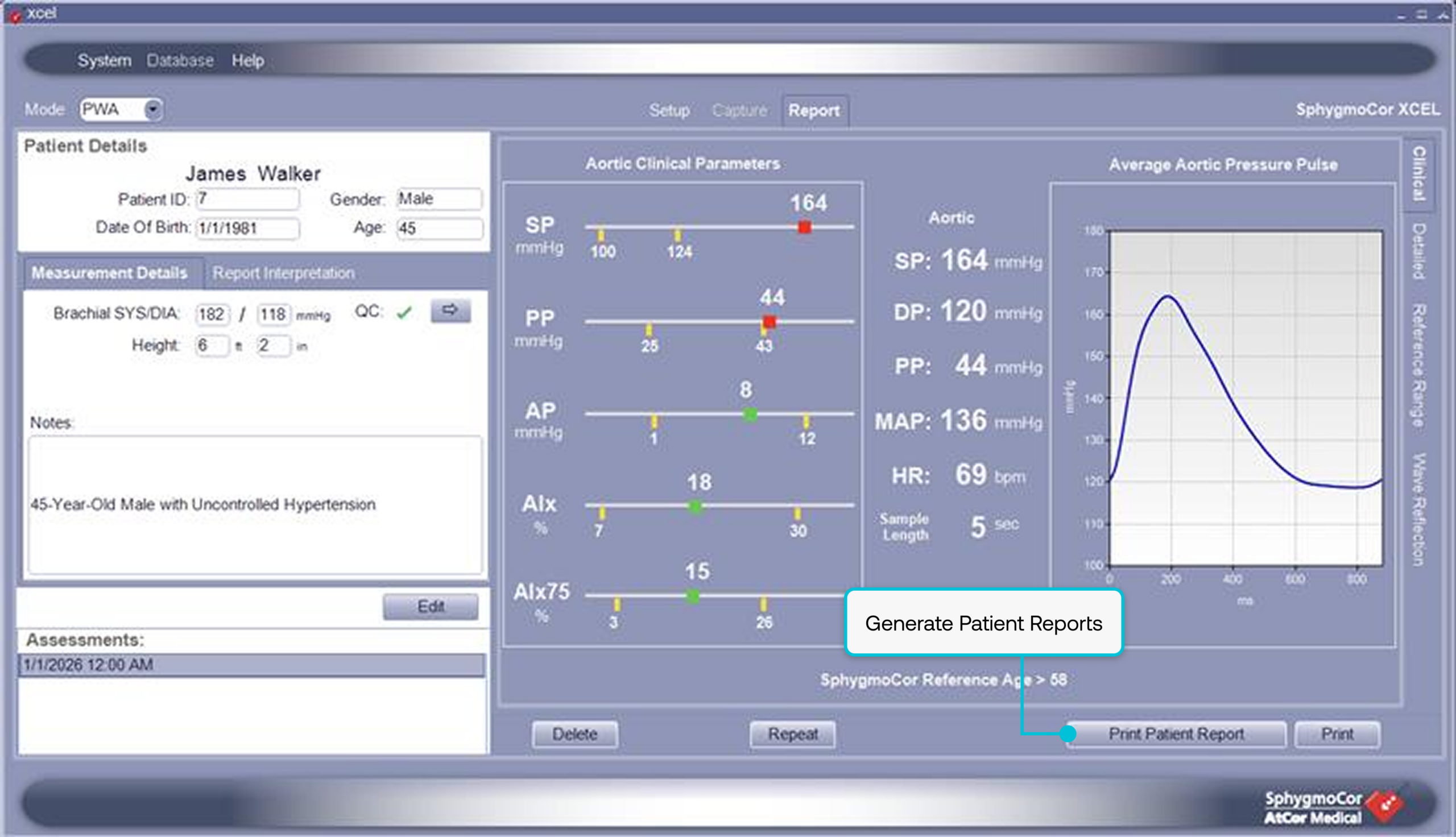
Move through the workflow directly, including creating patient records, running a simulated assessment, and generating a clinical report. This is not a video or guided walkthrough. You will be working directly within the system using simulated data.
Before you begin
The demo is best experienced on a desktop or laptop. Pre-loaded patient profiles reflect real data, while any new assessments you run are simulated for demonstration purposes.
The session will time out after 5 minutes of inactivity.
What you can do inside the demo
- Review pre-loaded patient profiles
- Create a new patient record
- Run a simulated arterial assessment
- Generate and review the Cardiology Risk Report
Entering the Assessment Workflow
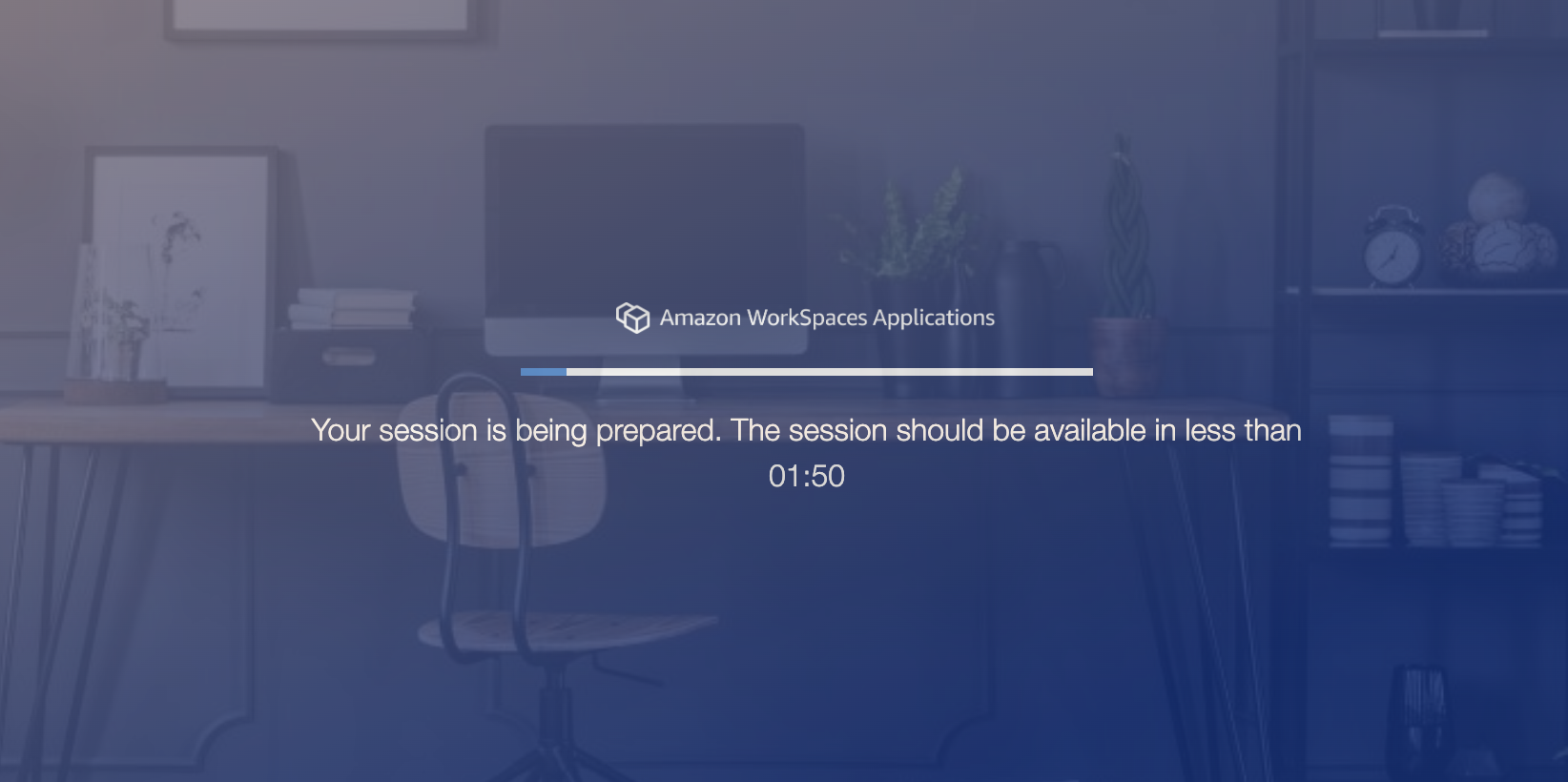
The demo opens in a new window and initializes a live, interactive environment. It takes approximately two minutes to load, after which the system becomes available and ready to use. Once fully loaded, the assessment screen will appear and you can begin working through the workflow.